open-design-landing 是做什麼的?
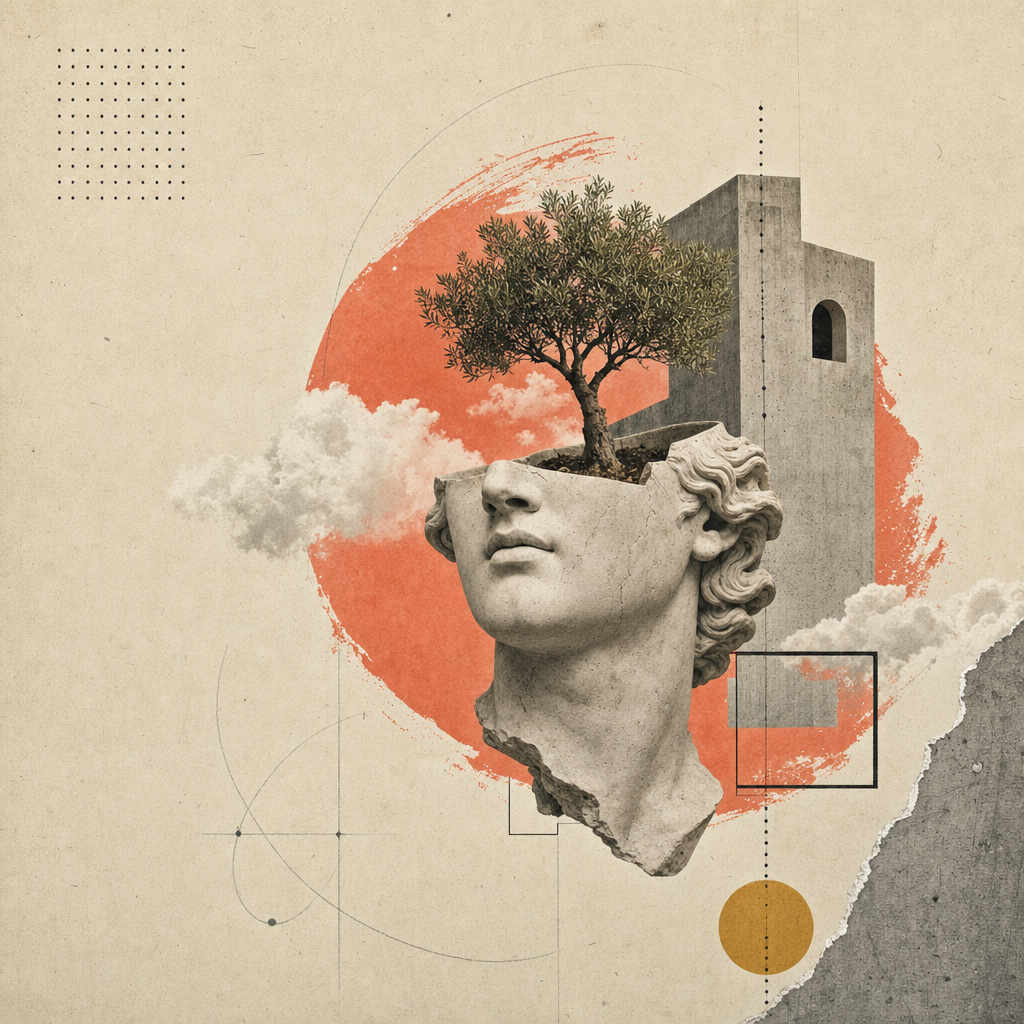
建立一個單頁編輯式登陸網站(或投影片組,請參見兄弟技能 open-design-landing-deck),採用 Atelier Zero 設計系統:暖紙背景、Inter Tight + Playfair Display 字型、斜體襯線強調、虛點細線、珊瑚色終止點、滾動顯現動畫,以及 16 張超現實拼貼圖版。
這是 Open Design 行銷頁面的標準配方 — 範例輸出就是你現在在 open-design 看到的頁面。
此技能完全 參數化。代理從使用者簡報中填入一個型別化的 inputs.json;組合器將該 JSON 加上標準的 styles.css 轉換為可部署的成品。
inputs.json + styles.css                       16 個圖片位置
        │                                            │
        └──────────► scripts/compose.ts ◄────────────┘
                            │
                            ▼
              <out>/index.html  (自包含)
              <out>/assets/      (PNG 或 SVG)
你會得到什麼
一個自包含的 HTML 檔案,包含所有以下內容:
- 編輯式頂欄(卷號 / 期號 / 語言條)、Headroom 風格固定導覽列,並顯示即時 GitHub 星星數。
- 8 個帶有紙紋背景的羅馬數字編號區段:英雄區(含 3 個統計環 + 4 步驟索引)、關於、能力(4 張卡片)、實驗室(5 張卡片 + 篩選膠囊 + 進度條)、方法(4 步驟含縮圖)、精選作品(深色石板 + 2 張傾斜卡片)、推薦(引述 + 5 個合作夥伴圖示)、行動呼籲(緞帶 + 電子郵件膠囊)。
- 頁尾含 4 個連結欄位 + 大型斜體襯線關鍵字。
- 每個區段的滾動顯現動畫(IntersectionObserver,尊重
prefers-reduced-motion)。 - 完全響應式設計,支援 1280 / 1080 / 880 / 560 斷點。
工作流程合約
依序執行以下四個步驟。代理應在繼續之前完成每個步驟,並優先向使用者提出焦點問題,而不是憑空發想文案。
1. 收集品牌輸入
使用 AskQuestion(或您 UI 中的等效功能)逐步收集品牌簡報;不要將整個 schema.ts 傾倒在使用者面前。將他們的回答映射到符合型別形狀的 inputs.json。
八個問題組,依序如下:
| 組別 | Schema 欄位 | 最少回答數 | 備註 |
|---|---|---|---|
| 1 | brand.{name,mark,tagline,description,location} | 5 | Mark = 單一圖示(Ø, ▲, ★…) |
| 2 | brand.{license,version,year,primary_url,contact_email} | 4 | URL 為必填;許可證預設 Apache-2.0 |
| 3 | nav[] (最多 5 個) | 3 | 可選計數標記 |
| 4 | hero.{label,headline,lead,primary,secondary,stats} | 全部 | Headline 為 MixedText(無襯線+斜體+點) |
| 5 | about + capabilities.cards[4] | 全部 | 4 張卡片 × {num,tag,title,body} |
| 6 | labs.cards[5] + method.steps[4] | 全部 | 兩個網格固定數量 |
| 7 | work.cards[2] + testimonial | 全部 | 5 個合作夥伴圖示為內嵌 SVG 路徑資料 |
| 8 | cta + footer.{columns[4],mega} | 全部 | Mega kicker 是 MixedText,如同標題 |
開啟 inputs.example.json 查看完整的範例(Open Design 本身)。
2. 決定圖片策略
| 策略 | 何時選擇 | 成本 / 延遲 |
|---|---|---|
placeholder | 首次嘗試。展示。內部投影片。尚無圖片預算。 | $0, <1s |
generate | 最終交付。品牌想要原創拼貼。 | ~$0.40, ~6 min |
bring-your-own | 使用者已有美術指導 PNG。放在 assets_path。 | $0, 0s |
相應地設定 inputs.imagery.strategy。
placeholder — 框架模式
npx tsx scripts/placeholder.ts <out>/assets/
在 <out>/assets/ 中寫入 16 個 .svg 檔案(並附帶 .png 別名以保持相容性)。每個佔位圖顯示插槽 ID、比例、像素尺寸以及來自 image-manifest.json 的提示提示。組合器的 <img src='./assets/hero.png'> 等可直接運作。
generate — gpt-image-2 模式
FAL_KEY=... npx tsx scripts/imagegen.ts <inputs.json> --out=<out>/assets/
針對每個插槽呼叫 fal.ai 的 openai/gpt-image-2 同步端點。組合提示為:風格錨點(紙拼貼編輯系統)+ 品牌變數(從 inputs.json 提取的名稱 / 導覽 / 標題 / 斜體強調)+ 每個插槽的構圖(例如裁切的石膏頭 + 從拱門生長的樹木)。如果目標檔案已存在則跳過該插槽;傳遞 --force 以重新渲染。
如果沒有 FAL_KEY,腳本會列印提示,以便操作員可以透過 /gpt-image-fal 斜線命令手動路由。
bring-your-own
將 16 個與 assets/image-manifest.json 檔案名稱匹配的 PNG 放在 inputs.imagery.assets_path。完成。
3. 組合成品
npx tsx scripts/compose.ts <inputs.json> <out>/index.html
組合器讀取 inputs.json 和 ../styles.css,然後寫入一個自包含的 HTML 檔案。該頁面包含:
- 完整的 Atelier Zero 樣式表,內嵌。
- 所有區段標記,帶有
data-reveal屬性以實現交錯滾動動畫。 - 內嵌的 IntersectionObserver 腳本(鏡像
apps/landing-page/app/_components/reveal-root.tsx)。 - 內嵌的 Headroom 導覽腳本(鏡像
header.tsx)。 - 內嵌的 GitHub 星星計數擷取器(從
brand.primary_url自動偵測)。
4. (可選)鏡像可部署的 Astro 網站
若要產生可部署的生產輸出,請分支 apps/landing-page/ 套件:將其複製到您的工作空間,將 app/page.tsx 與您的 inputs.json 內容對齊,並將您的 <out>/assets/*.png 複製到 app/image-assets.ts / R2 URL 所期望的路徑。使用 pnpm --filter @open-design/landing-page build 建置,以產生適用於任何 CDN 的靜態 out/ 匯出。
未來的迭代可能會捆綁一個組合器,用一條命令從
inputs.json產生完整的apps/landing-page/樹。在此之前,分支和編輯是支援的路徑。
交付前自我檢查
在標記為完成之前,代理必須驗證:
-
<out>/index.html可在瀏覽器中開啟,且無控制台錯誤。 - 所有 16 個圖片位置均已載入(DevTools 網路標籤中無 404 錯誤)。
- 標題斜體強調範圍以 Playfair 字型呈現(非無襯線)。
- 每個
displayh1/h2 結尾處均出現珊瑚色終止點。 - 從上向下滾動;每個區段都會播放一次動畫。
- 調整為 880px 和 560px;無水平滾動,無重疊。
-
prefers-reduced-motion: reduce(DevTools → Rendering)可乾淨關閉過渡效果。 - Lighthouse:對比度 AA、font-display swap、英雄區無版面位移(CLS < 0.05)。
此技能中的檔案
skills/open-design-landing/
├── SKILL.md                 # 此合約
├── README.md                # 快速入門
├── schema.ts                # 型別化輸入(單一事實來源)
├── styles.css               # Atelier Zero 樣式表(單一事實來源)
├── inputs.example.json      # Open Design 作為範例
├── example.html             # 標準渲染(從 inputs.example.json 重新產生)
├── scripts/
│   ├── compose.ts           # inputs.json + styles.css → index.html
│   ├── imagegen.ts          # gpt-image-2 包裝器(fal.ai)
│   └── placeholder.ts       # SVG 紙紋框架
└── assets/
    ├── *.png                # 16 張拼貼圖版(Open Design 實例)
    ├── image-manifest.json  # 插槽 → 檔案/尺寸/提示對映
    └── imagegen-prompts.md  # 人類可讀的提示包
邊界
- 不要發明新的顏色或字型。代碼存在於
design-systems/atelier-zero/DESIGN.md;在新增新的色階之前,先擴展設計系統。 - 不要從生成的標記中移除
data-reveal屬性。沒有它們,頁面會變成靜態且毫無生氣。 - 不要將組合的 HTML 包裝在注入自身樣式表順序的框架中 — Atelier Zero 依賴樣式表級聯來實現紙紋和側軌的 z-index。
- 不要為 Astro 登陸頁面分支添加單獨的樣式表檔案;直接將
styles.css逐字複製到app/globals.css,以保持視覺一致性。
另請參閱
design-systems/atelier-zero/DESIGN.md— 代碼規範。apps/landing-page/— 可部署的 Astro 靜態對應站點。skills/open-design-landing-deck/— 重複使用此設計系統的兄弟投影片技能。