open-design-landing 是做什么的?
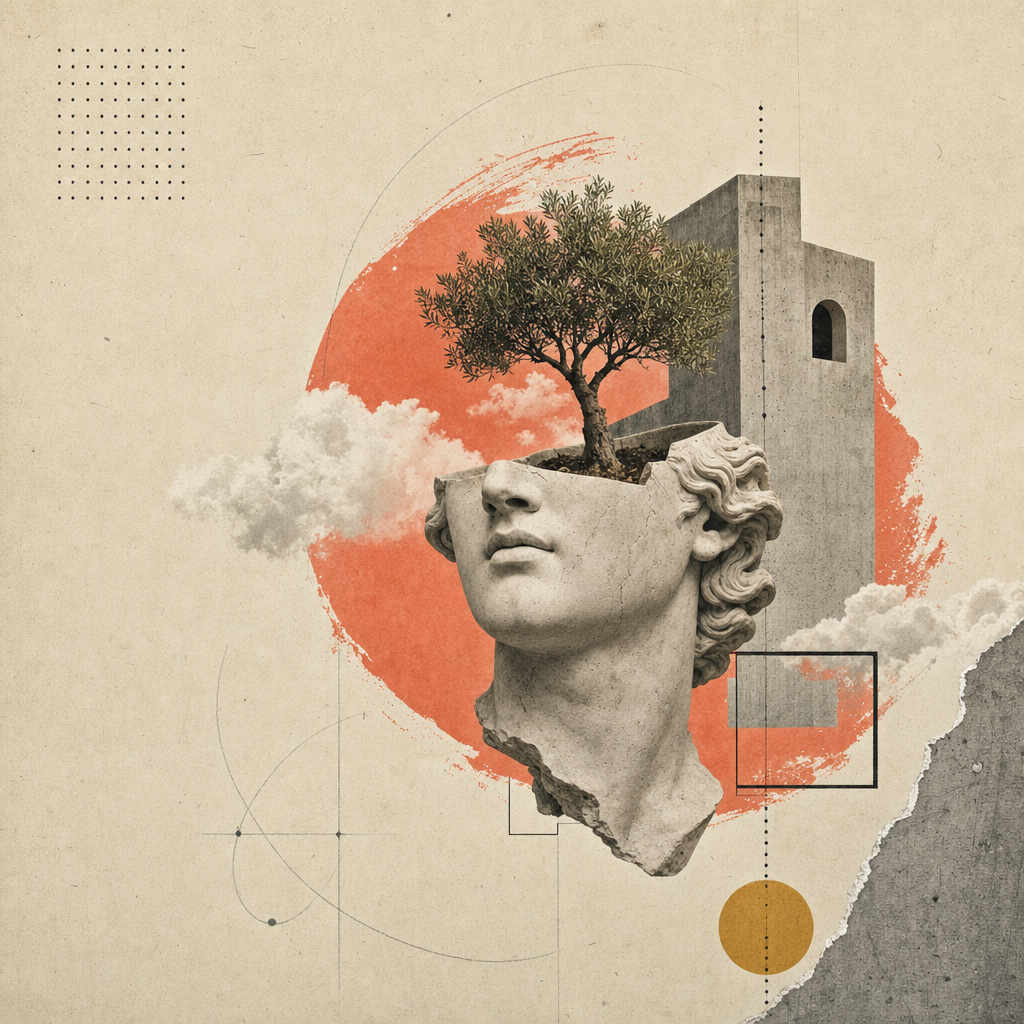
构建一个单页编辑式落地网站(或幻灯片——请参见同级技能open-design-landing-deck),采用Atelier Zero设计系统。其特点包括:温暖纸张背景、Inter Tight + Playfair Display字体、斜体衬线强调跨度、点缀式发丝规则、珊瑚色终止点、滚动显现动画以及16幅超现实拼贴画板。
这是Open Design营销页面的标准配方——示例输出正是你在open-design看到的页面。
本技能完全参数化。Agent根据用户的简要说明填充一个类型化的inputs.json;组合器将该JSON与规范化的styles.css转换为可部署的产物。
inputs.json + styles.css                       16个图像插槽
        │                                            │
        └──────────► scripts/compose.ts ◄────────────┘
                            │
                            ▼
              <out>/index.html  (自包含)
              <out>/assets/      (PNG或SVG)
输出成果
一个包含所有以下内容的单一HTML文件:
- 编辑式顶栏(卷号/期号/语言条),Headroom风格的粘性导航,带有实时GitHub星标数。
- 8个编号为罗马数字的部分,采用纸质纹理背景:英雄区域(包含3个统计环+4步索引)、关于、能力(4张卡片)、实验室(5张卡片+筛选标签+进度条)、方法(4步+缩略图)、精选作品(深色石板+2张倾斜卡片)、推荐语(拉引语+5个合作伙伴图形)、行动号召(丝带+邮件胶囊)。
- 带有
data-reveal属性的全部分区块,用于交错滚动动画。 - 内联的IntersectionObserver脚本(镜像
apps/landing-page/app/_components/reveal-root.tsx)。 - 内联的Headroom导航脚本(镜像
header.tsx)。 - 内联的GitHub星标数获取器(自动从
brand.primary_url检测)。 - 在1280 / 1080 / 880 / 560断点处完全响应。
工作流合约
按顺序执行以下四个步骤。Agent应在继续下一步之前完成每个步骤,并更倾向于向用户提出有针对性的问题,而不是凭空编造文案。
1. 收集品牌输入
使用AskQuestion(或您UI中的等效方法)分块收集品牌简介;不要将整个schema.ts倾倒给用户。将用户的回答映射到与类型化结构匹配的inputs.json中。
八个问题组,按顺序:
| 组别 | 架构字段 | 最少回答数 | 备注 |
|---|---|---|---|
| 1 | brand.{name,mark,tagline,description,location} | 5 | Mark = 单个字符(Ø, ▲, ★…) |
| 2 | brand.{license,version,year,primary_url,contact_email} | 4 | URL为必填;许可证默认为Apache-2.0 |
| 3 | nav[] (最多5个) | 3 | 可选计数徽章 |
| 4 | hero.{label,headline,lead,primary,secondary,stats} | 全部 | Headline作为MixedText(sans+em+dot) |
| 5 | about + capabilities.cards[4] | 全部 | 4张卡片×{num,tag,title,body} |
| 6 | labs.cards[5] + method.steps[4] | 全部 | 两个网格固定基数 |
| 7 | work.cards[2] + testimonial | 全部 | 5个合作伙伴图形作为内联SVG路径数据 |
| 8 | cta + footer.{columns[4],mega} | 全部 | Mega kicker是一个MixedText,类似于标题 |
打开inputs.example.json查看完整的示例(Open Design自身)。
2. 决定图像策略
| 策略 | 何时选择 | 成本/延迟 |
|---|---|---|
placeholder | 初稿。演示。内部幻灯片。尚无图像预算。 | $0, <1s |
generate | 最终交付。品牌希望原创拼贴画。 | ~$0.40, ~6分钟 |
bring-your-own | 用户已有艺术指导PNG。将它们放在assets_path。 | $0, 0s |
相应地设置inputs.imagery.strategy。
placeholder — 框架模式
npx tsx scripts/placeholder.ts <out>/assets/
在<out>/assets/中写入16个.svg文件(同时生成.png别名以保持兼容性)。每个占位符显示插槽ID、比例、像素尺寸以及来自image-manifest.json的提示。组合器的<img src='./assets/hero.png'>等引用均可正常工作。
generate — gpt-image-2模式
FAL_KEY=... npx tsx scripts/imagegen.ts <inputs.json> --out=<out>/assets/
针对每个插槽调用fal.ai的openai/gpt-image-2同步端点。组合提示词为:风格锚点(纸拼贴编辑系统)+ 品牌变量(名称/导航/标题/斜体强调,取自inputs.json)+ 每个插槽的构图(例如裁剪的石膏头像+穿过拱门的树)。如果目标文件已存在则跳过该插槽;传递--force重新生成。
没有FAL_KEY时,脚本将打印提示,以便操作员可以通过/gpt-image-fal斜杠命令技能手动路由。
bring-your-own
将匹配assets/image-manifest.json文件名的16个PNG放入inputs.imagery.assets_path。完成。
3. 汇编产物
npx tsx scripts/compose.ts <inputs.json> <out>/index.html
组合器读取inputs.json和../styles.css,然后写入一个自包含的HTML文件。页面包括:
- 完整的Atelier Zero样式表,已内联。
- 所有区块的标记,带有
data-reveal属性以实现交错的滚动运动。 - 内联IntersectionObserver脚本(镜像
apps/landing-page/app/_components/reveal-root.tsx)。 - 内联Headroom导航脚本(镜像
header.tsx)。 - 内联GitHub星标数获取器(自动从
brand.primary_url检测)。
4. (可选)镜像可部署的Astro站点
对于可部署的生产输出,fork apps/landing-page/ 包:将其复制到您的工作区,将app/page.tsx与您的inputs.json中的内容对齐,并将您的<out>/assets/*.png复制到app/image-assets.ts/R2 URL预期的路径。使用pnpm --filter @open-design/landing-page build构建,生成静态的out/导出,可部署到任何CDN。
未来的迭代可能会捆绑一个组合器,该组合器可通过一条命令从
inputs.json生成完整的apps/landing-page/树。在此之前,fork然后编辑是受支持的路径。
交付前的自我检查
Agent必须在标记完成前验证:
-
<out>/index.html在浏览器中打开时没有控制台错误。 - 全部16个图像插槽已加载(DevTools网络标签中没有404错误)。
- 标题中的斜体强调跨度以Playfair字体渲染(而非sans)。
- 在每个
displayh1/h2的结尾处出现珊瑚色终止点。 - 从顶部滚动到底部;每个部分动画播放一次。
- 调整到880px和560px宽度;无水平滚动,无重叠。
-
prefers-reduced-motion: reduce(DevTools → 渲染)干净地禁用过渡。 - Lighthouse:对比度AA,字体显示交换(font-display swap),英雄区域无布局偏移(CLS < 0.05)。
本技能包含的文件
skills/open-design-landing/
├── SKILL.md                 # 本合约
├── README.md                # 快速入门
├── schema.ts                # 类型化输入(单一事实源)
├── styles.css               # Atelier Zero样式表(单一事实源)
├── inputs.example.json      # 以Open Design为示例
├── example.html             # 规范渲染(从inputs.example.json重新生成)
├── scripts/
│   ├── compose.ts           # inputs.json + styles.css → index.html
│   ├── imagegen.ts          # gpt-image-2封装(fal.ai)
│   └── placeholder.ts       # SVG纸质纹理框架
└── assets/
    ├── *.png                # 16张拼贴画板(Open Design实例)
    ├── image-manifest.json  # 插槽 → 文件/尺寸/提示映射
    └── imagegen-prompts.md  # 人类可读的提示包
边界
- 不要发明新的颜色或字体。Token位于
design-systems/atelier-zero/DESIGN.md中;在添加新色板之前,请先扩展设计系统。 - 不要从生成的标记中删除
data-reveal属性。没有它们,页面将变得静态并感觉死气沉沉。 - 不要将组合后的HTML包裹在注入自身样式表顺序的框架中——Atelier Zero依赖于样式表顺序级联来实现纸张纹理和侧轨的z-index。
- 不要为Astro落地页面fork添加单独的样式表文件;将
styles.css逐字复制到app/globals.css中,以确保视觉一致性保持一对一。
参见
design-systems/atelier-zero/DESIGN.md— Token规范。apps/landing-page/— 可部署的Astro静态对应页面。skills/open-design-landing-deck/— 重用此设计系统的同级幻灯片技能。