open-design-landing
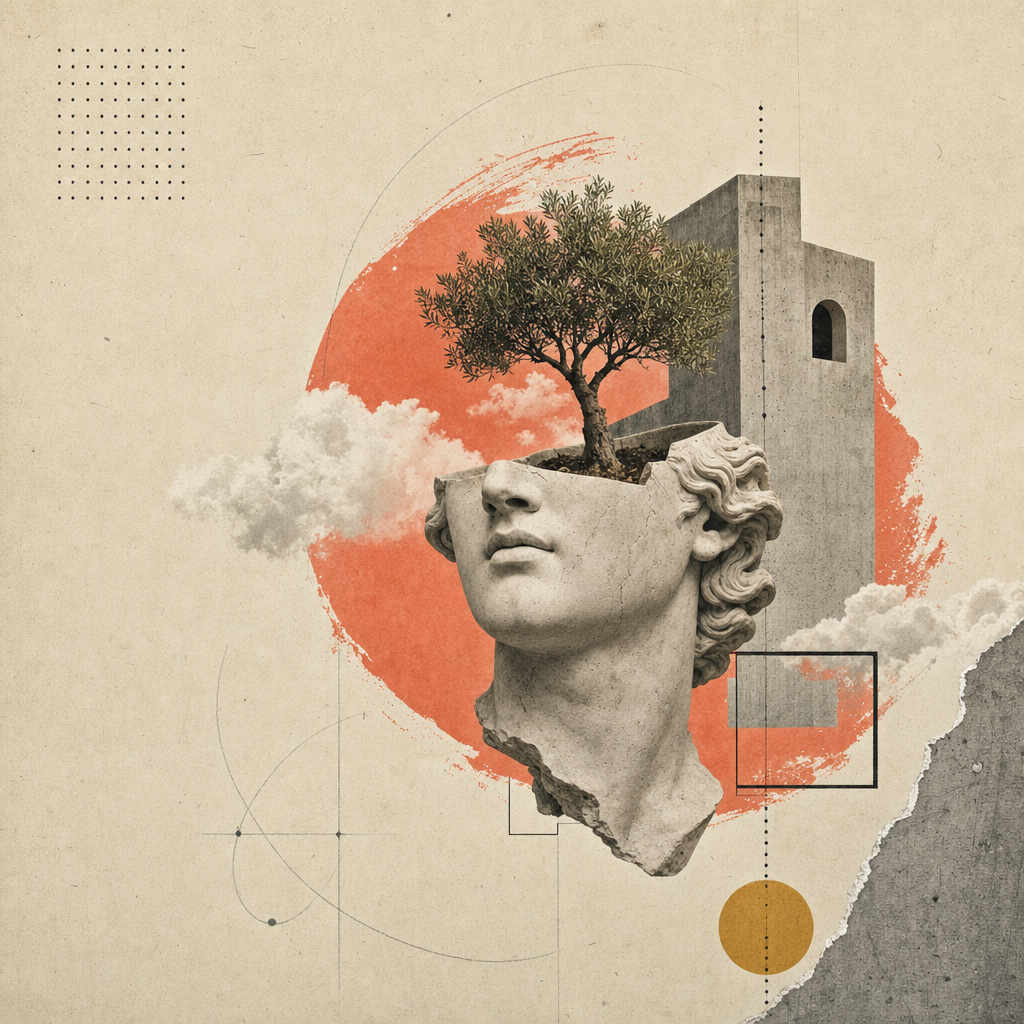
アトリエ・ゼロデザインシステムを採用したシングルページのエディトリアルランディングサイト(またはスライドデッキ — 姉妹スキル open-design-landing-deck を参照)を構築します。暖かなペーパー風背景、Inter Tight + Playfair Display、イタリックのセリフ強調スパン、点線のヘアライン罫線、コーラル色の終端ドット、スクロールリビールモーション、そして16枚のシュールなコラージュプレートが特徴です。
これは Open Design の正規マーケティングページレシピであり、出力例はまさに open-design で見られるページそのものです。
このスキルは完全にパラメータ化されています。エージェントはユーザーの概要から型付けされた inputs.json を埋め、コンポーザーがその JSON と正規の styles.css をデプロイ可能なアーティファクトに変換します。
inputs.json + styles.css                       16の画像スロット
        │                                            │
        └──────────► scripts/compose.ts ◄────────────┘
                            │
                            ▼
              <out>/index.html  (自己完結型)
              <out>/assets/      (PNG または SVG)
得られるもの
以下のすべてを含む単一の HTML ファイル:
- エディトリアル上部バー(ボリューム / イシュー / 言語のストリップ)、ヘッドルームスタイルのスティッキーナビ(ライブ GitHub スター数表示付き)。
- 紙質の背景を持つ8つの番号付きローマ数字セクション: ヒーロー(3つの統計リング + 4ステップインデックス)、アバウト、ケイパビリティ(4カード)、ラボ(5カード + フィルターピル + プログレスバー)、メソッド(4ステップ + サムネイル)、厳選実績(ダークスラブ + 2つの傾斜カード)、テスティモニアル(プルクォート + 5つのパートナーグリフ)、CTA(リボン + メールピル)。
- 4つのリンクカラムと巨大なイタリックセリフキッカーワードを持つフッター。
- すべてのセクションにスクロールリビールモーション(IntersectionObserver、
prefers-reduced-motion対応)。 - 1280 / 1080 / 880 / 560 のブレークポイントで完全レスポンシブ。
ワークフロー契約
以下の4つのステップを順番に実行します。エージェントは各ステップを完了してから次に進み、文言をでっち上げるよりもユーザーに焦点を絞った質問をすることを優先します。
1. ブランド入力を収集する
AskQuestion(または UI の同等機能)を使用して、ブランド概要を分割して収集します。schema.ts 全体をユーザーに一度に提示しないでください。回答を型付きの形状に合わせて inputs.json にマッピングします。
8つの質問グループ(順不同):
| グループ | スキーマフィールド | 最小回答数 | 備考 |
|---|---|---|---|
| 1 | brand.{name,mark,tagline,description,location} | 5 | Mark = 単一グリフ(Ø, ▲, ★…) |
| 2 | brand.{license,version,year,primary_url,contact_email} | 4 | URL は必須、ライセンスデフォルト Apache-2.0 |
| 3 | nav[] (最大5) | 3 | オプションのカウントバッジ |
| 4 | hero.{label,headline,lead,primary,secondary,stats} | すべて | 見出しは MixedText(sans+em+dot) |
| 5 | about + capabilities.cards[4] | すべて | 4カード × {num,tag,title,body} |
| 6 | labs.cards[5] + method.steps[4] | すべて | 両グリッドとも固定数 |
| 7 | work.cards[2] + testimonial | すべて | 5つのパートナーグリフはインライン SVG パスデータ |
| 8 | cta + footer.{columns[4],mega} | すべて | メガキッカーは見出し同様 MixedText |
完全な作業例(Open Design 自身)は inputs.example.json を参照してください。
2. 画像戦略を決定する
| 戦略 | いつ選ぶか | コスト / レイテンシ |
|---|---|---|
placeholder | 初回パス。デモ。社内スライド。画像予算まだなし。 | $0、<1s |
generate | 最終納品。ブランドがオリジナルコラージュを希望。 | ~$0.40、約6分 |
bring-your-own | ユーザーがアートディレクション済み PNG を持っている。assets_path に配置。 | $0、0s |
inputs.imagery.strategy を適宜設定します。
placeholder — フレームモード
npx tsx scripts/placeholder.ts <out>/assets/
16個の .svg ファイル(互換性のため .png エイリアス付き)を <out>/assets/ に書き出します。各プレースホルダーにはスロットID、アスペクト比、ピクセル寸法、image-manifest.json のプロンプトヒントが表示されます。コンポーザーの <img src='./assets/hero.png'> などはそのまま動作します。
generate — gpt-image-2 モード
FAL_KEY=... npx tsx scripts/imagegen.ts <inputs.json> --out=<out>/assets/
fal.ai の openai/gpt-image-2 同期エンドポイントを各スロットごとに呼び出します。プロンプトの構成: スタイルアンカー(ペーパーコラージュエディトリアルシステム)+ ブランド変数(inputs.json から抽出した名前/ナビ/見出し/イタリック強調)+ スロットごとの構図(例: 切り取られた石膏頭部 + アーチを貫く木)。ターゲットファイルが既存のスロットはスキップします。--force で再レンダリングします。
FAL_KEY がない場合、スクリプトはプロンプトを出力するので、オペレーターは手動で /gpt-image-fal スラッシュコマンドスキルにルーティングできます。
bring-your-own
assets/image-manifest.json のファイル名に一致する16個の PNG を inputs.imagery.assets_path に配置します。完了。
3. アーティファクトを構成する
npx tsx scripts/compose.ts <inputs.json> <out>/index.html
コンポーザーは inputs.json と ../styles.css を読み込み、自己完結型の HTML ファイルを1つ書き出します。ページには以下が含まれます:
- アトリエ・ゼロの完全なスタイルシート(インライン化)
- 段階的なスクロールモーション用の
data-reveal属性を持つ全セクションマークアップ - インラインの IntersectionObserver スクリプト(
apps/landing-page/app/_components/reveal-root.tsxをミラー) - インラインの Headroom ナビスクリプト(
header.tsxをミラー) - インラインの GitHub スター数取得スクリプト(
brand.primary_urlから自動検出)
4. (オプション)デプロイ可能な Astro サイトをミラーリングする
デプロイ可能なプロダクション出力の場合、apps/landing-page/ パッケージをフォークします。ワークスペースにコピーし、app/page.tsx を inputs.json の内容に合わせて調整し、<out>/assets/*.png を app/image-assets.ts / R2 URL が期待するパスにコピーします。pnpm --filter @open-design/landing-page build でビルドし、任意の CDN にデプロイ可能な静的 out/ エクスポートを生成します。
将来のイテレーションでは、
inputs.jsonからapps/landing-page/ツリー全体を1コマンドで出力するコンポーザーをバンドルするかもしれません。それまでは、フォークして編集するのがサポートされているパスです。
納品前の自己チェック
完了とマークする前に、エージェントは以下を必ず確認します:
-
<out>/index.htmlがブラウザでコンソールエラーなく開くこと。 - 16すべての画像スロットが読み込まれること(DevTools ネットワークタブで 404 がないこと)。
- 見出しのイタリック強調スパンが Playfair(sans ではない)でレンダリングされること。
- すべての
displayh1/h2 の末尾にコーラル色の終端ドットが表示されること。 - 上から下までスクロールし、すべてのセクションが一度アニメーションすること。
- 880px と 560px にリサイズしても、水平スクロールや重なりがないこと。
-
prefers-reduced-motion: reduce(DevTools → Rendering)でトランジションがきれいに無効化されること。 - Lighthouse: コントラスト AA、font-display swap、ヒーローのレイアウトシフトなし(CLS < 0.05)。
このスキルのファイル
skills/open-design-landing/
├── SKILL.md                 # 本契約
├── README.md                # クイックスタート
├── schema.ts                # 型付き入力(唯一の情報源)
├── styles.css               # アトリエ・ゼロスタイルシート(唯一の情報源)
├── inputs.example.json      # Open Design の作業例
├── example.html             # 正規レンダリング(inputs.example.json から再生成)
├── scripts/
│   ├── compose.ts           # inputs.json + styles.css → index.html
│   ├── imagegen.ts          # gpt-image-2 ラッパー(fal.ai)
│   └── placeholder.ts       # SVG 紙質フレーム
└── assets/
    ├── *.png                # 16のコラージュプレート(Open Design インスタンス)
    ├── image-manifest.json  # スロット → ファイル/寸法/プロンプト のマッピング
    └── imagegen-prompts.md  # 人間可読なプロンプトパック
境界
- 新しい色や書体を発明しないでください。 トークンは
design-systems/atelier-zero/DESIGN.mdにあります。新しいランプを追加する前に、まずデザインシステムを拡張してください。 - 生成されたマークアップから
data-reveal属性を削除しないでください。 これがないとページは静的で死んだように感じられます。 - 構成された HTML を、独自のスタイルシート順序を注入するフレームワークでラップしないでください。 アトリエ・ゼロはスタイルシートのカスケード順序に依存して紙質やサイドレールの z-index を実現しています。
- Astro ランディングページフォーク用に別のスタイルシートファイルを追加しないでください。
styles.cssをそのままapp/globals.cssにコピーし、視覚的一貫性を保ってください。
関連項目
design-systems/atelier-zero/DESIGN.md— トークン仕様。apps/landing-page/— デプロイ可能な Astro 静的サイトのカウンターパート。skills/open-design-landing-deck/— このデザインシステムを再利用する姉妹スライドスキル。