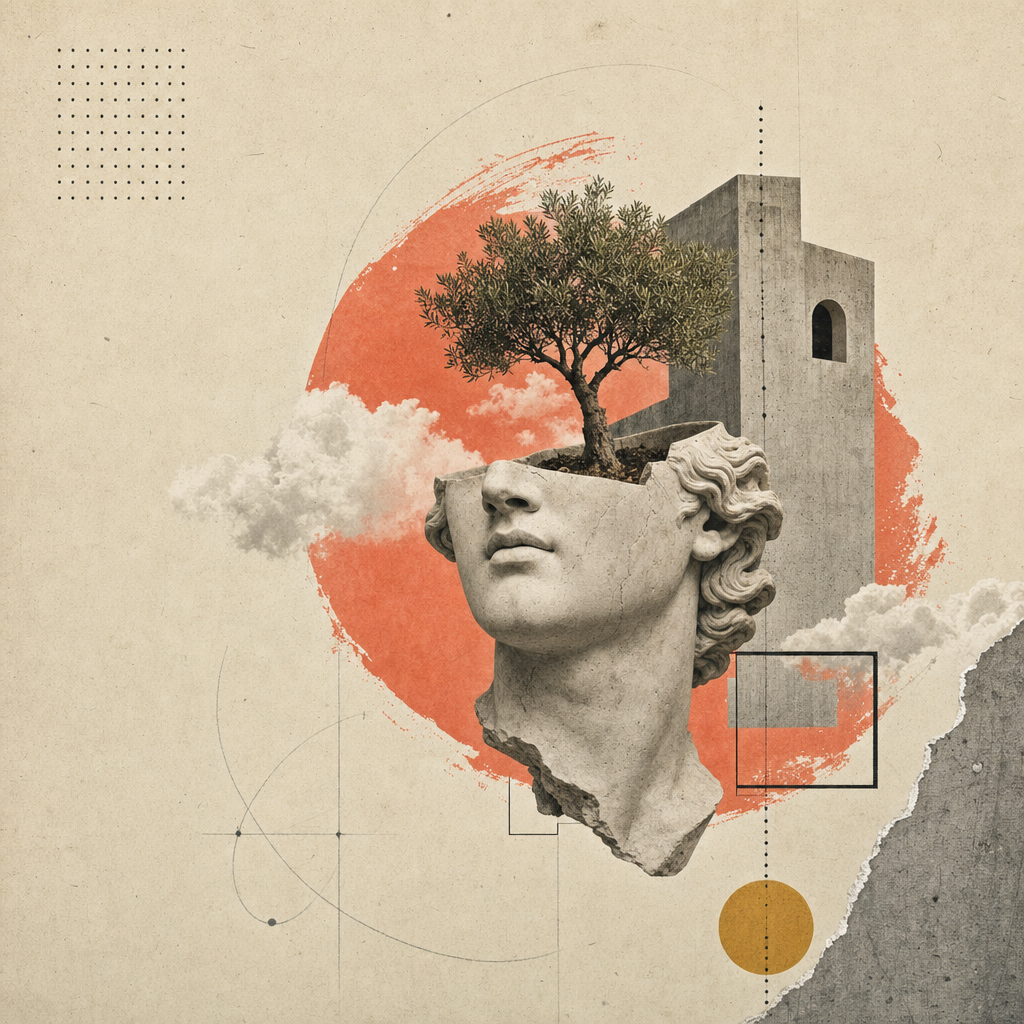
open-design-landing
Atelier Zero デザインシステム(暖色紙背景、Inter Tight + Playfair Display、斜体セリフ強調スパン、点線ヘアライン、コーラル終端ドット、スクロールリビールモーション、16枚のシュールなコラージュプレート)を用いて、シングルページエディトリアルランディングサイト(またはスライドデッキ。兄弟スキル open-design-landing-deck を参照)を構築します。
これは Open Design のマーケティングページレシピの標準版です。出力例は、実際に open-design で表示されるページそのものです。
このスキルは完全にパラメータ化されています。エージェントはユーザーのブリーフから型付けされた1つの inputs.json を生成し、コンポーザーがその JSON と標準の styles.css をデプロイ可能なアーティファクトに変換します。
inputs.json + styles.css                       16 画像スロット
        │                                            │
        └──────────► scripts/compose.ts ◄────────────┘
                            │
                            ▼
              <out>/index.html  (自己完結型)
              <out>/assets/      (PNG または SVG)
得られるもの
以下のすべてを含む単一の HTML ファイル:
- エディトリアルトップバー(巻数 / 号 / 言語ストリップ)、ライブ GitHub スターカウント付き Headroom スタイル固定ナビ。
- 紙テクスチャ背景の8つのローマ数字セクション: ヒーロー(3つの統計リング + 4ステップインデックス)、アバウト、ケイパビリティ(4カード)、ラボ(5カード + フィルターピル + プログレスバー)、メソッド(サムネイル付き4ステップ)、厳選作品(ダークスラブ + 2傾斜カード)、 testimonial(プルクォート + 5パートナーグリフ)、CTA(リボン + メールピル)。
- 4つのリンクカラムと大きな斜体セリフキッカーワードを持つフッター。
- すべてのセクションにスクロールリビールモーション(IntersectionObserver、
prefers-reduced-motion尊重)。 - 1280 / 1080 / 880 / 560 のブレークポイントで完全レスポンシブ。
ワークフロー契約
以下の4ステップを順番に実行します。エージェントは各ステップを完了してから次に進み、コピーを創作するよりもユーザーに焦点を絞った質問をすることを優先します。
1. ブランド入力の収集
AskQuestion(または UI の同等の機能)を使用して、ブランドブリーフをチャンク単位で収集します。schema.ts 全体をユーザーにダンプしないでください。回答を型付きの inputs.json にマッピングします。
8つの質問グループ(順番通り):
| グループ | スキーマフィールド | 最小回答数 | 備考 |
|---|---|---|---|
| 1 | brand.{name,mark,tagline,description,location} | 5 | Mark = 単一グリフ (Ø, ▲, ★…) |
| 2 | brand.{license,version,year,primary_url,contact_email} | 4 | URL 必須; ライセンスは Apache-2.0 がデフォルト |
| 3 | nav[] (最大5) | 3 | オプションのカウントバッジ |
| 4 | hero.{label,headline,lead,primary,secondary,stats} | すべて | ヘッドラインは MixedText(サンセリフ+斜体+ドット) |
| 5 | about + capabilities.cards[4] | すべて | 4カード × {num,tag,title,body} |
| 6 | labs.cards[5] + method.steps[4] | すべて | 両グリッドは固定アリティ |
| 7 | work.cards[2] + testimonial | すべて | 5パートナーグリフ(インライン SVG パスデータ) |
| 8 | cta + footer.{columns[4],mega} | すべて | メガキッカーはヘッドラインと同様の MixedText |
完全な動作例(Open Design 自身)については inputs.example.json を開いてください。
2. 画像戦略の決定
| 戦略 | 選択すべきタイミング | コスト / レイテンシ |
|---|---|---|
placeholder | 最初のパス。デモ。社内スライド。まだ画像予算がない場合。 | $0, <1s |
generate | 最終納品。ブランドがオリジナルコラージュを希望する場合。 | ~$0.40, ~6 min |
bring-your-own | ユーザーがアートディレクション済みの PNG を持っている場合。assets_path に配置。 | $0, 0s |
inputs.imagery.strategy を適宜設定します。
placeholder — フレームモード
npx tsx scripts/placeholder.ts <out>/assets/
互換性のために .png エイリアスも付いた16個の .svg ファイルを <out>/assets/ に書き出します。各プレースホルダーはスロットID、アスペクト比、ピクセル寸法、image-manifest.json のプロンプトヒントを表示します。コンポーザーの <img src='./assets/hero.png'> などはそのまま動作します。
generate — gpt-image-2 モード
FAL_KEY=... npx tsx scripts/imagegen.ts <inputs.json> --out=<out>/assets/
fal.ai の openai/gpt-image-2 同期エンドポイントをスロットごとに呼び出します。プロンプトは以下のように構成されます: スタイルアンカー(紙コラージュエディトリアルシステム)+ ブランド変数(inputs.json から取得する名前/ナビ/ヘッドライン/斜体強調)+ スロットごとの構成(例: 切り取られた石膏像 + アーチを貫く木)。対象ファイルが既に存在するスロットはスキップします。再レンダリングするには --force を渡します。
FAL_KEY がない場合、スクリプトはプロンプトを出力するため、オペレーターは /gpt-image-fal スラッシュコマンドスキルを使用して手動でルーティングできます。
bring-your-own
assets/image-manifest.json のファイル名に一致する16個の PNG を inputs.imagery.assets_path に配置します。以上です。
3. アーティファクトの生成
npx tsx scripts/compose.ts <inputs.json> <out>/index.html
コンポーザーは inputs.json と ../styles.css を読み込み、1つの自己完結型 HTML ファイルを書き出します。このページには以下が含まれます:
- Atelier Zero スタイルシート全体(インライン化)。
- すべてのセクションマークアップ(
data-reveal属性付き)。 - インライン IntersectionObserver スクリプト(
apps/landing-page/app/_components/reveal-root.tsxをミラー)。 - インライン Headroom ナビスクリプト(
header.tsxをミラー)。 - インライン GitHub スターカウントフェッチャー(
brand.primary_urlから自動検出)。
4. (任意) デプロイ可能な Astro サイトのミラーリング
デプロイ可能なプロダクション出力のためには、apps/landing-page/ パッケージをフォークします: ワークスペースにコピーし、app/page.tsx を inputs.json の内容に合わせて調整し、<out>/assets/*.png を app/image-assets.ts / R2 URL が期待するパスにコピーします。pnpm --filter @open-design/landing-page build でビルドすると、任意の CDN にデプロイ可能な静的 out/ エクスポートが生成されます。
将来のイテレーションでは、
inputs.jsonからapps/landing-page/ツリー全体を1コマンドで生成するコンポーザーがバンドルされる可能性があります。それまでは、フォーク&編集がサポートされるパスです。
納品前のセルフチェック
完了とマークする前に、エージェントは以下を必ず確認してください:
-
<out>/index.htmlがブラウザでコンソールエラーなく開くこと。 - 16すべての画像スロットが読み込まれること(DevTools ネットワークタブで 404 がないこと)。
- ヘッドラインの斜体強調スパンが Playfair(サンセリフではない)でレンダリングされること。
- すべての
displayh1/h2 の末尾にコーラル終端ドットがあること。 - 上から下までスクロールし、すべてのセクションが一度ずつアニメーションすること。
- 880px と 560px にリサイズし、水平スクロールや重なりがないこと。
-
prefers-reduced-motion: reduce(DevTools → Rendering)でトランジションが完全に無効になること。 - Lighthouse: コントラスト AA、font-display swap、ヒーローでレイアウトシフトがないこと(CLS < 0.05)。
このスキルのファイル
skills/open-design-landing/
├── SKILL.md                 # 本契約
├── README.md                # クイックスタート
├── schema.ts                # 型付き入力(唯一の真実の情報源)
├── styles.css               # Atelier Zero スタイルシート(唯一の真実の情報源)
├── inputs.example.json      # 動作例としての Open Design
├── example.html             # 標準レンダリング(inputs.example.json から再生成)
├── scripts/
│   ├── compose.ts           # inputs.json + styles.css → index.html
│   ├── imagegen.ts          # gpt-image-2 ラッパー(fal.ai)
│   └── placeholder.ts       # SVG 紙テクスチャフレーム
└── assets/
    ├── *.png                # 16コラージュプレート(Open Design インスタンス)
    ├── image-manifest.json  # スロット → ファイル/寸法/プロンプトマッピング
    └── imagegen-prompts.md  # 人間が読めるプロンプトパック
境界
- 新しい色や書体を発明しないでください。 トークンは
design-systems/atelier-zero/DESIGN.mdにあります。ここに新しいランプを追加する前に、デザインシステムを拡張してください。 - 生成されたマークアップから
data-reveal属性を削除しないでください。 これがないとページは静的で生命力のないものになります。 - 構成された HTML を、独自のスタイルシートの順序を注入するフレームワークでラップしないでください。 Atelier Zero は、紙のテクスチャとサイドレールの z-index をスタイルシートのカスケード順序に依存しています。
- Astro ランディングページフォーク用の個別のスタイルシートファイルを追加しないでください。 視覚的同一性を保つために、
styles.cssをそのままapp/globals.cssにコピーしてください。
関連項目
design-systems/atelier-zero/DESIGN.md— トークン仕様。apps/landing-page/— デプロイ可能な Astro 静的カウンターパート。skills/open-design-landing-deck/— 同じデザインシステムを再利用する兄弟スライドスキル。