Community이미지github.com

xy040427-collab/agent4ppt-skill

Visually rich AI PowerPoint slides with editable text and charts. Personal noncommercial use; other uses require written authorization.

agent4ppt-skill란 무엇인가요?

agent4ppt-skill is a Claude Code agent skill that visually rich AI PowerPoint slides with editable text and charts. Personal noncommercial use; other uses require written authorization.

지원 대상Claude CodeCodex CLI~Cursor
npx skills add https://github.com/xy040427-collab/agent4ppt-skill/tree/main

Installed? Explore more 이미지 skills: steipete/songsee, affaan-m/frontend-design-direction, affaan-m/ios-icon-gen · View all 6 →

즐겨 사용하는 AI에게 물어보기

이 에이전트 스킬이 미리 로드된 새 채팅을 엽니다.

문서

Agent4PPT

Visually rich AI presentations, with the important parts editable.

An agent skill for creating PowerPoint slides from notes, papers and outlines. Generate coherent, text-free artwork, then add editable text, numbers, formulas, charts and tables with your agent's presentation tools.

Early preview · Host image generation and PPTX tools required · 中文说明

See what it makes

Explore the public gallery and download the sample decks

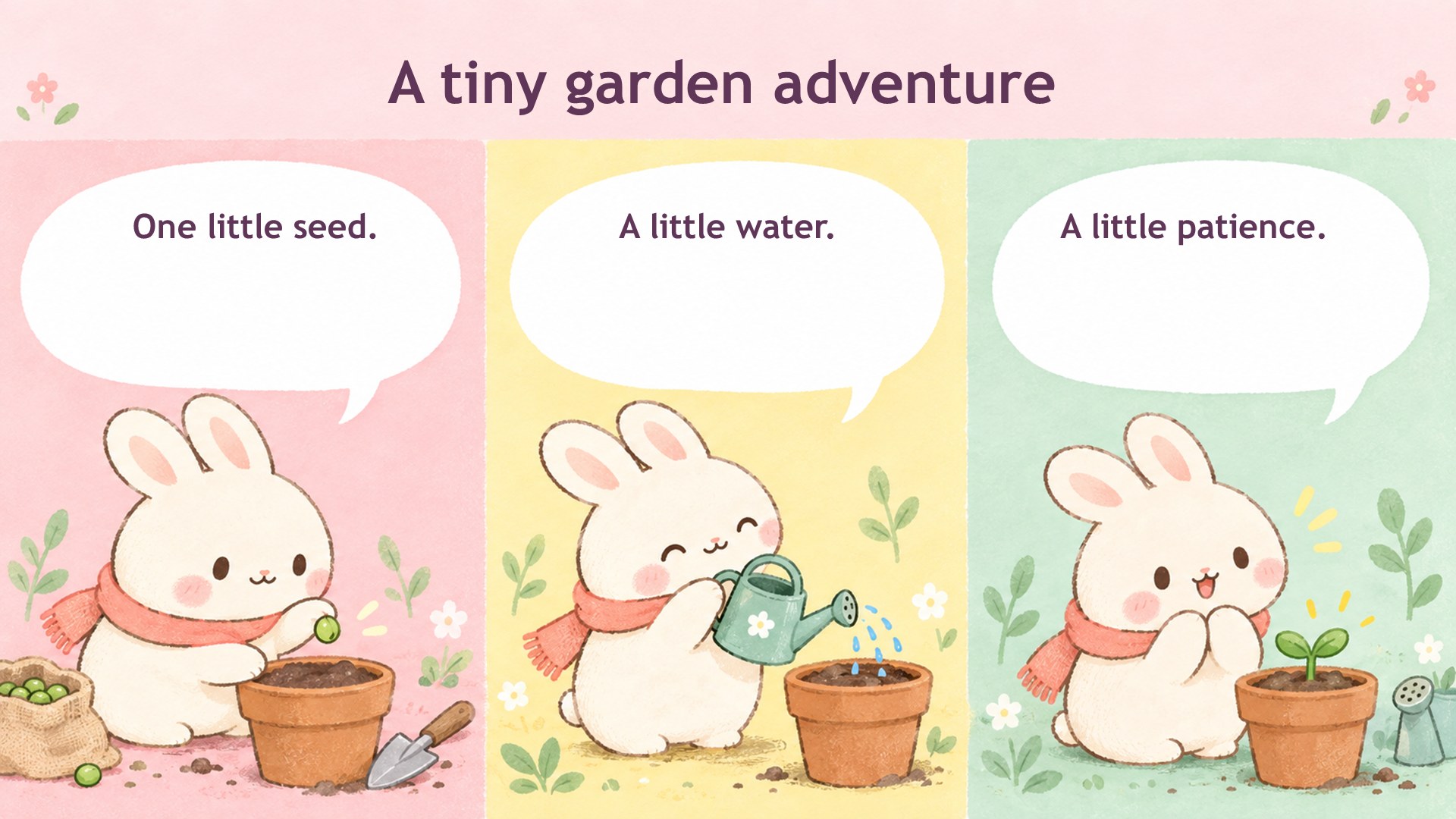
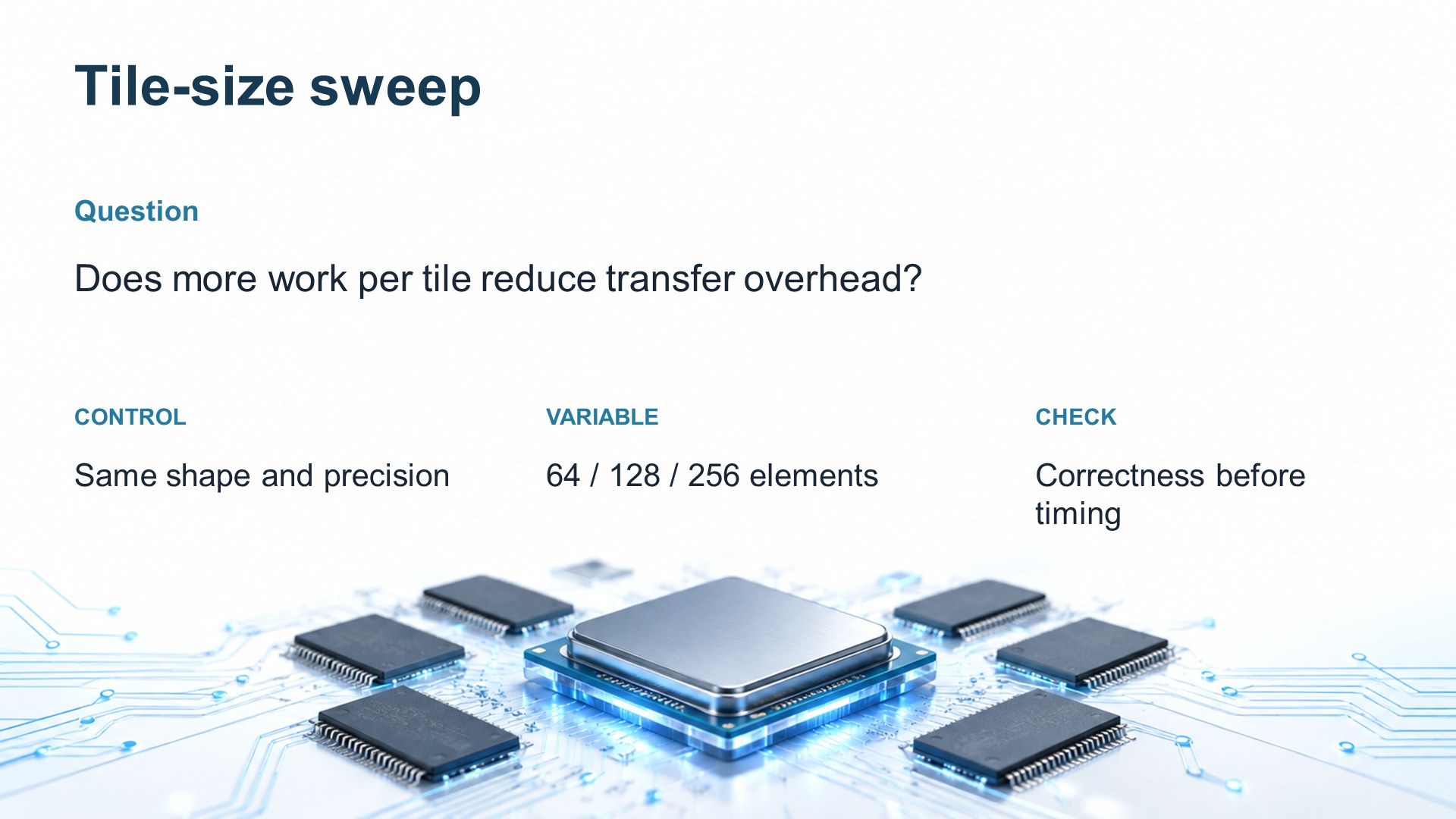
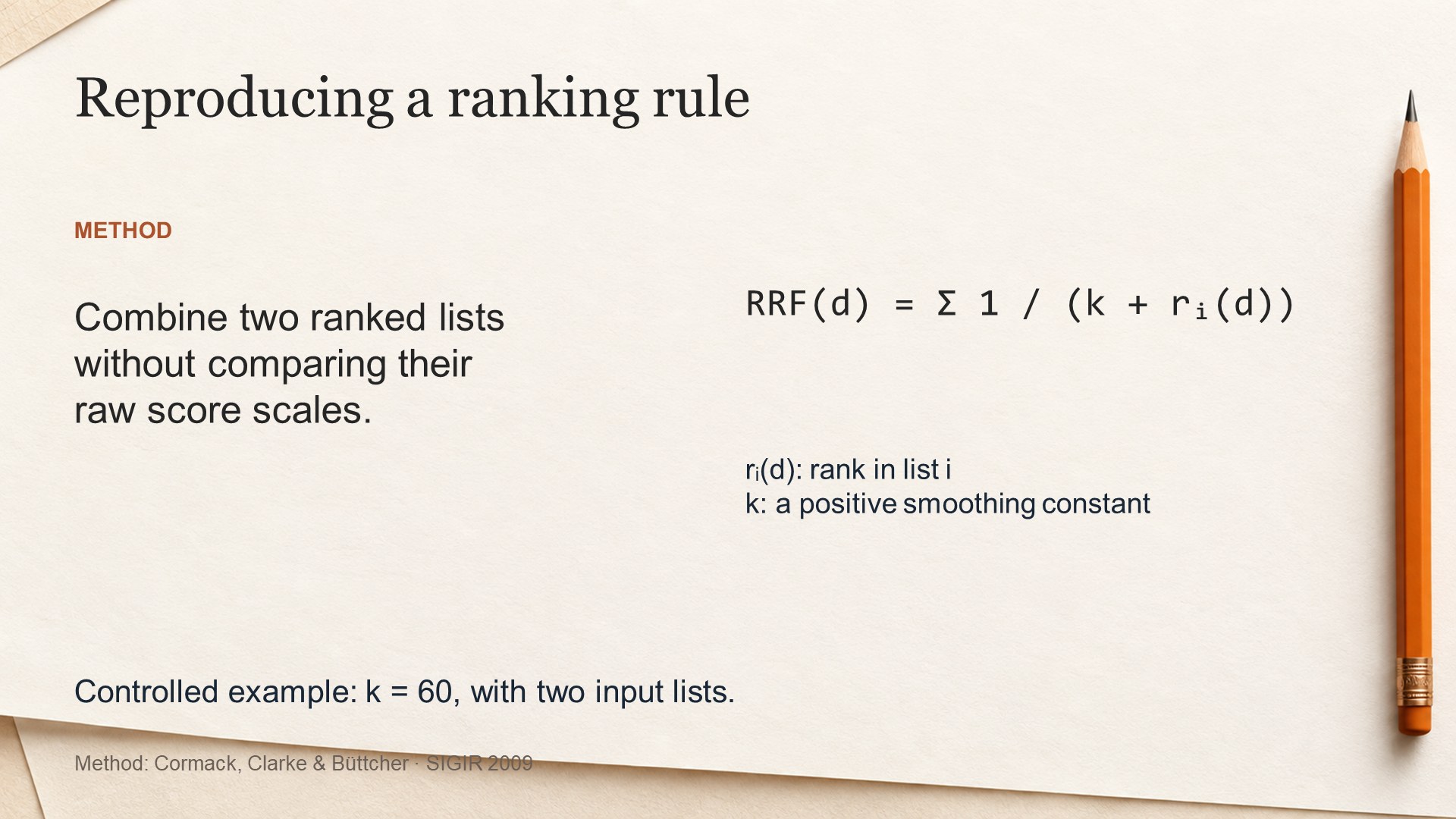
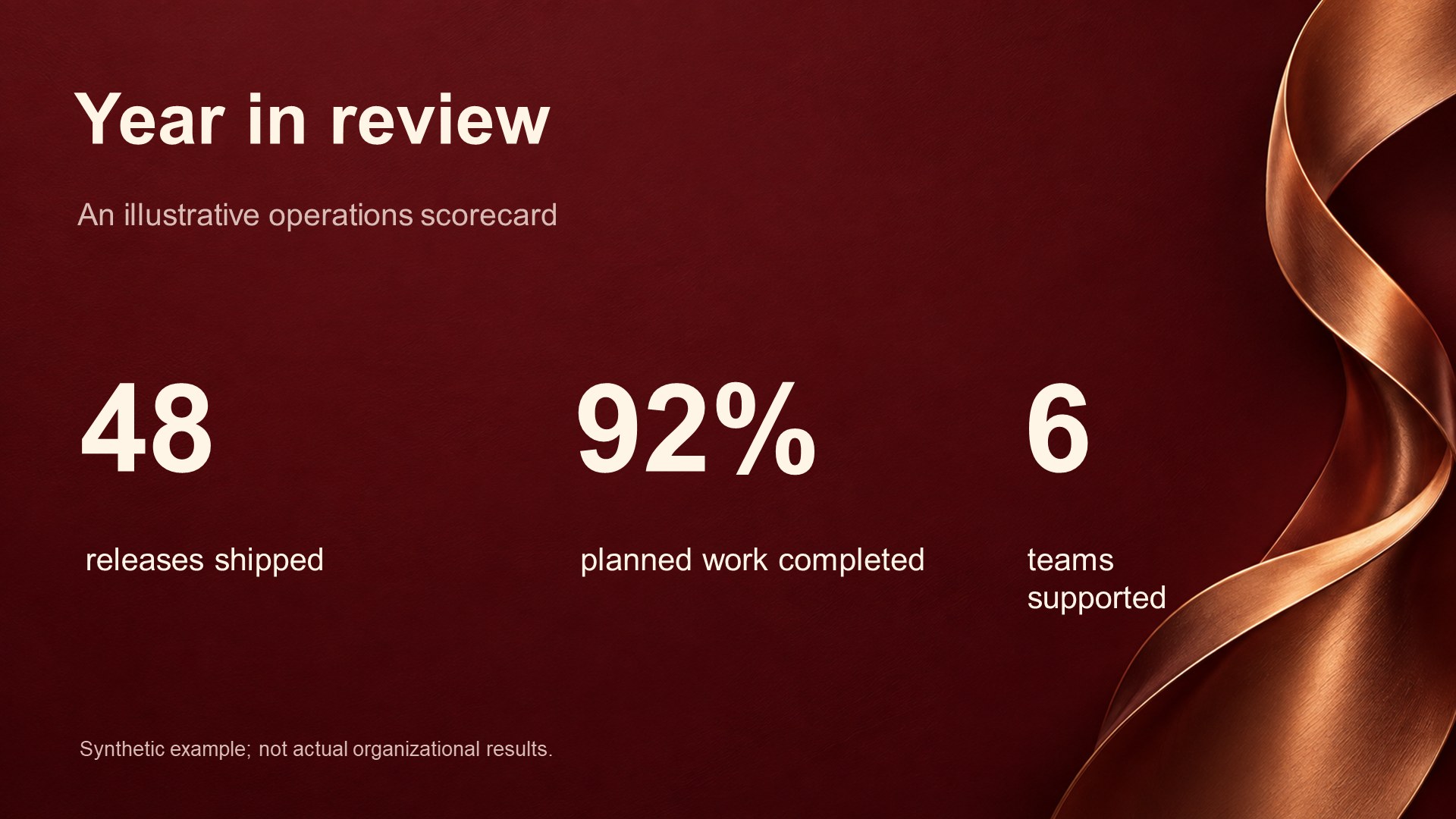
10 scenarios × 3 selected slides: comics, research meetings, technology launches, paper presentations, job introductions, club elections, business reviews, product ads, policy briefings and recruitment.

The 30 pages were exported and visually checked in PowerPoint 16.0. Representative titles, chart values and table cells were edited and saved in test copies. Layout corrections were made; these examples do not establish unattended first-pass quality. See showcase evidence.

Preview gallery

Ten different visual directions. Each download contains three selected slides. Click a preview to download its PPTX.

Cute comicCute comic sample slideResearch meetingResearch meeting sample slide
Technology launchTechnology launch sample slidePaper presentationPaper presentation sample slide
Job introductionJob introduction sample slideClub electionClub election sample slide
Business reviewBusiness review sample slideProduct advertisingProduct advertising sample slide
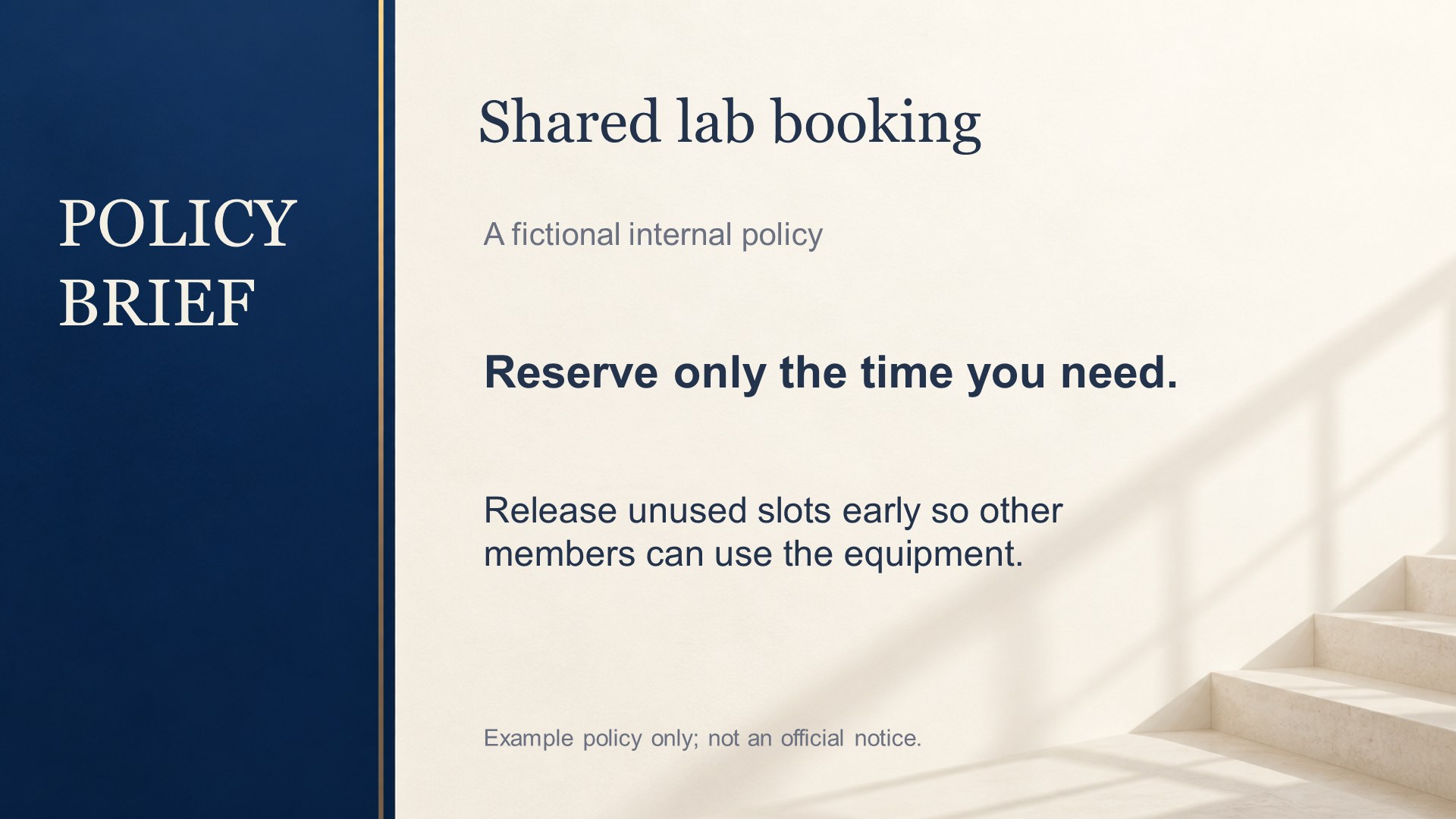
Policy briefingPolicy briefing sample slideRecruitmentRecruitment sample slide

View all 30 slides · Download PPTX samples on GitHub

Two production modes

Editable compositionFull-slide imagery
VisualsText-free generated artworkComplete generated slide
Editable contentNative text, charts and tables composed by the hostSpeaker notes; visible slide is an image
ExportHost PPTX authoring toolsOptional bundled Python CLI
Best fitResearch, reports, reusable presentationsImage-led pages needing no separate text edits

The CLI does not generate editable slides. Editable composition is a skill-guided workflow, not a standalone model or hosted service.

Get started

Individuals may use the unmodified tool for their own noncommercial purposes under LICENSE. Tool modification, redistribution, organizational deployment and commercial use require Jiajun Li's prior written authorization. See licensing and authorization.

Install for Codex

Run from the project where you want to use the skill (Node.js/npm and Git required):

npx skills add xy040427-collab/agent4ppt-skill --skill agent4ppt-skill --agent codex

The public repository was discovered and installed successfully into an isolated project on Windows on 2026-09-10. This verifies installation, not a fresh-host slide-generation run. The validation disabled installation telemetry. Other hosts can use the manual route below; image generation and PPTX authoring are still required.

Manual setup

  1. Obtain skills/agent4ppt-skill, keeping its reference files together.
  2. Put the folder in your host's supported skills directory, or explicitly ask your agent to read its SKILL.md.
  3. Enable image generation, PPTX authoring and final-slide rendering. See host requirements.
  4. Supply your notes, audience and editable-content requirements.

Try this prompt:

Use agent4ppt-skill to create a 3-slide research update from these notes. Generate coherent text-free backgrounds, then add native editable titles, conclusions and chart data. Vary the layout by slide purpose. Reopen and render the final PPTX, inspect every slide, and deliver the PPTX with previews. Label any illustrative data clearly.

What is included

Twelve visual-system guides; source-handling and speaker-note guidance; editable composition instructions; an optional portable CLI for full-image jobs, retries and export. No particular PPTX library is required for the editable workflow.

Limits

  • Quality, latency and cost depend on your host model and image service.
  • Background details remain raster images. This is not arbitrary PPTX-to-editable reconstruction.
  • Longer replacement text may need layout changes. Rendering and inspection are part of delivery.
  • The showcase was checked in PowerPoint 16.0 on Windows. Cross-application parity and fresh-environment end-to-end installation are not established.
  • Built-in image generation was used for the showcase. Optional HTTP providers have local protocol tests, not universal live-provider verification.

Optional full-image CLI

Python 3.10+ and Pillow are required. For permitted personal noncommercial use:

python skills/agent4ppt-skill/scripts/agent4ppt.py doctor
python skills/agent4ppt-skill/scripts/agent4ppt.py --help

See commands and verification history.

Feedback

Report your host, expected result, actual result and a sanitized reproduction. Do not include credentials or private slide content. See contributing.

If Agent4PPT helps you create better slides, consider starring the repository. Installation and generation never require a GitHub token or a star.

Rights and provenance

Maintained by Jiajun Li. Read LICENSE for current rights; this personal-use-only project is source-available, not open source. Development lineage and applicable upstream notice are retained in THIRD_PARTY_NOTICES.md. Raw generated artwork is not claimed as exclusively copyrightable.

관련 스킬