Render Rigged 3D — Complete Skill & User Instruction Workflow
1. How the User Gives Instructions (The User's Workflow Method)
Whenever the user starts a new video recreation task, they follow this exact workflow:
- New Project Folder in Main Workspace (
C:\Users\WayWe Work-Station\Downloads\Mate\<Project Folder>\):- The user creates a new folder inside the main workspace folder named after the video topic (for example:
"Train Video","Job Culture of japan","Railroad Video","The Window That Breaks Japan's Gambling Law","80 Victories in a Plane Nobody Could See").
- The user creates a new folder inside the main workspace folder named after the video topic (for example:
- Reference Video + Voiceover Inside the Project Folder:
- Inside that project folder, the user places:
- A Reference Video (e.g.,
"Example video 1.mp4","Jap vid.mp4","My video 0.mp4","My video 2.mp4"). - A Voiceover Audio File placed either directly in the project folder or inside a voiceover subfolder (
"VoiceOver","VoiceOver 01","VoiceOver 02"), named e.g."Voiceover.mp3"or"Audio.mp3".
- A Reference Video (e.g.,
- Inside that project folder, the user places:
- The User's Prompting Pattern:
- The user asks you to:
- Read and analyze the reference video frame-by-frame (
Frame 0toFrame N-1) in strict chronological order without skipping or sampling frames, checking every single frame for:- Exact frame number & timestamp (
frame / fps) - Camera position, angle, movement (
dx, dy, zoom, tilt, roll), and shot framing - Every visible person, position, movement, facial expression, body pose, hands/fingers, and clothing/accessories
- Objects, vehicles, background/environment, lighting, shadows, text/logos/signage, and visual effects
- Frame-to-frame comparison (what changed, what stayed the same, direction/amount of movement, new/removed objects, morphing, flickering, or generation artifacts)
- Exact frame number & timestamp (
- Recreate the exact same video 100% from scratch using the user's Voiceover file, matching the exact visuals, hyper-active audience-grabbing animation, character rigging/movements, camera choreography, and clear visual explanations — rendered in the locked 18-Joint 3D Skeletal Rigged Procedural Animation style with zero captions and 100% from-scratch SFX and Music stems.
- Read and analyze the reference video frame-by-frame (
- The user asks you to:
2. Visual Reference & Rendered 3D Contact Sheets (screenshots/)
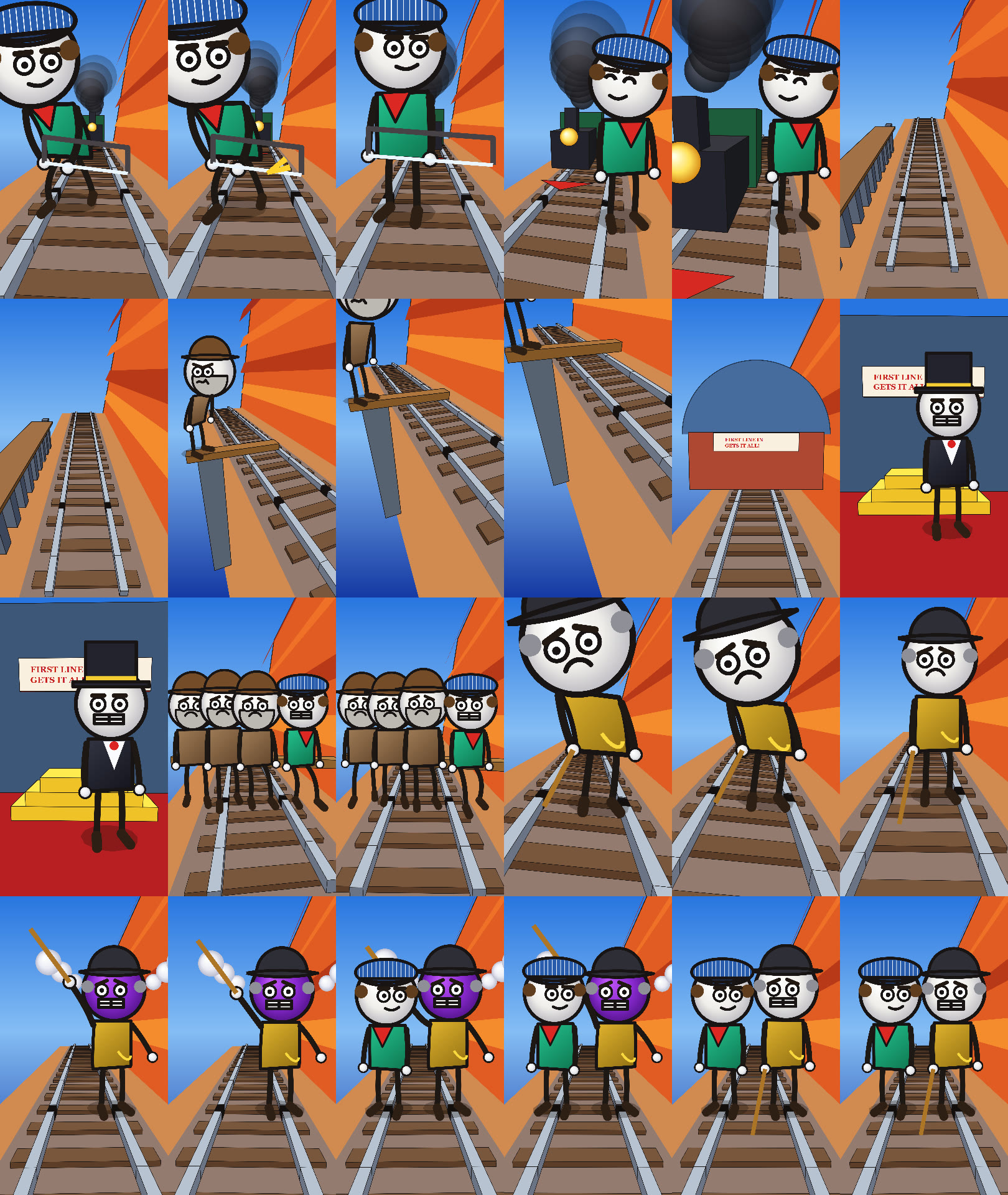
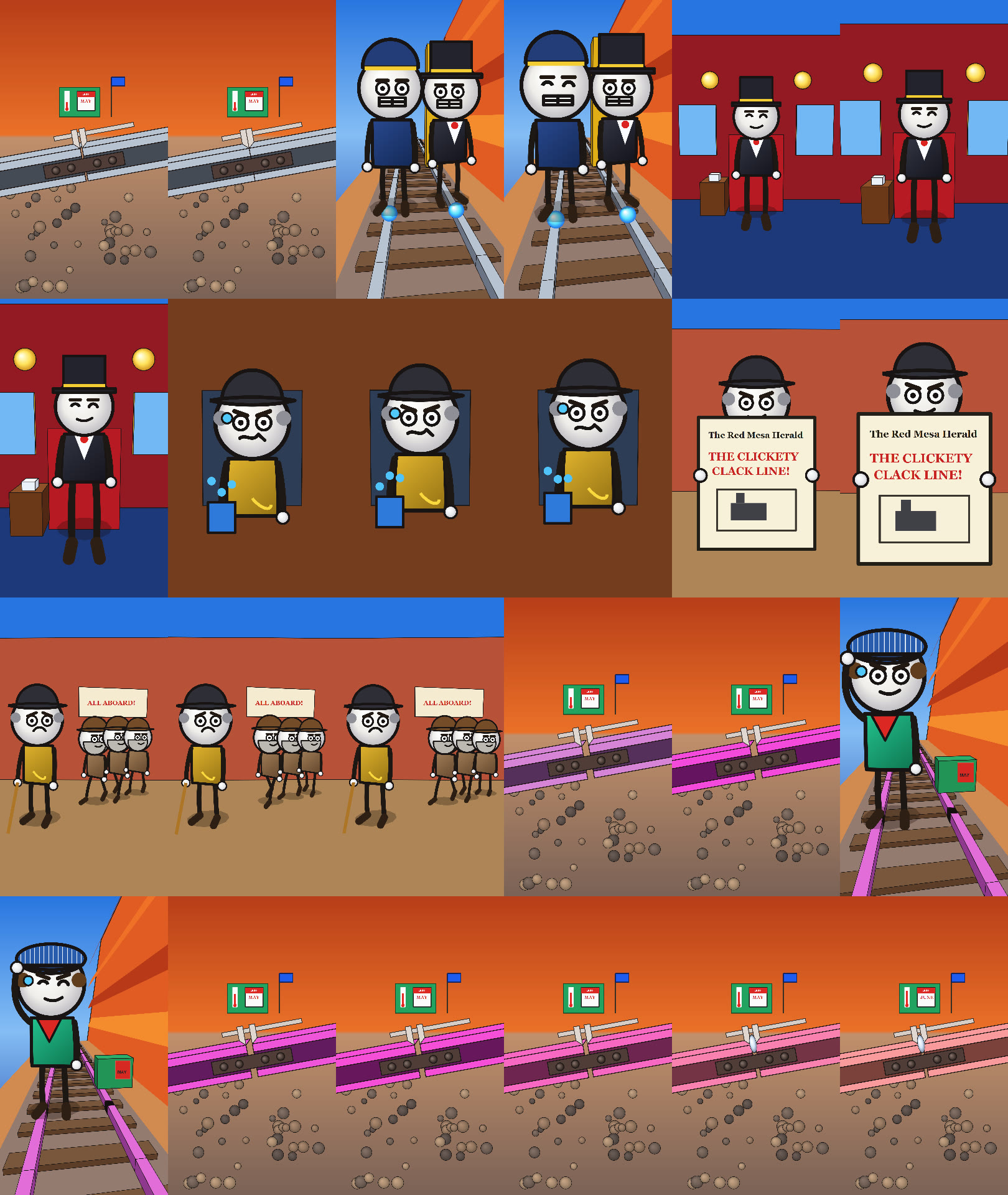
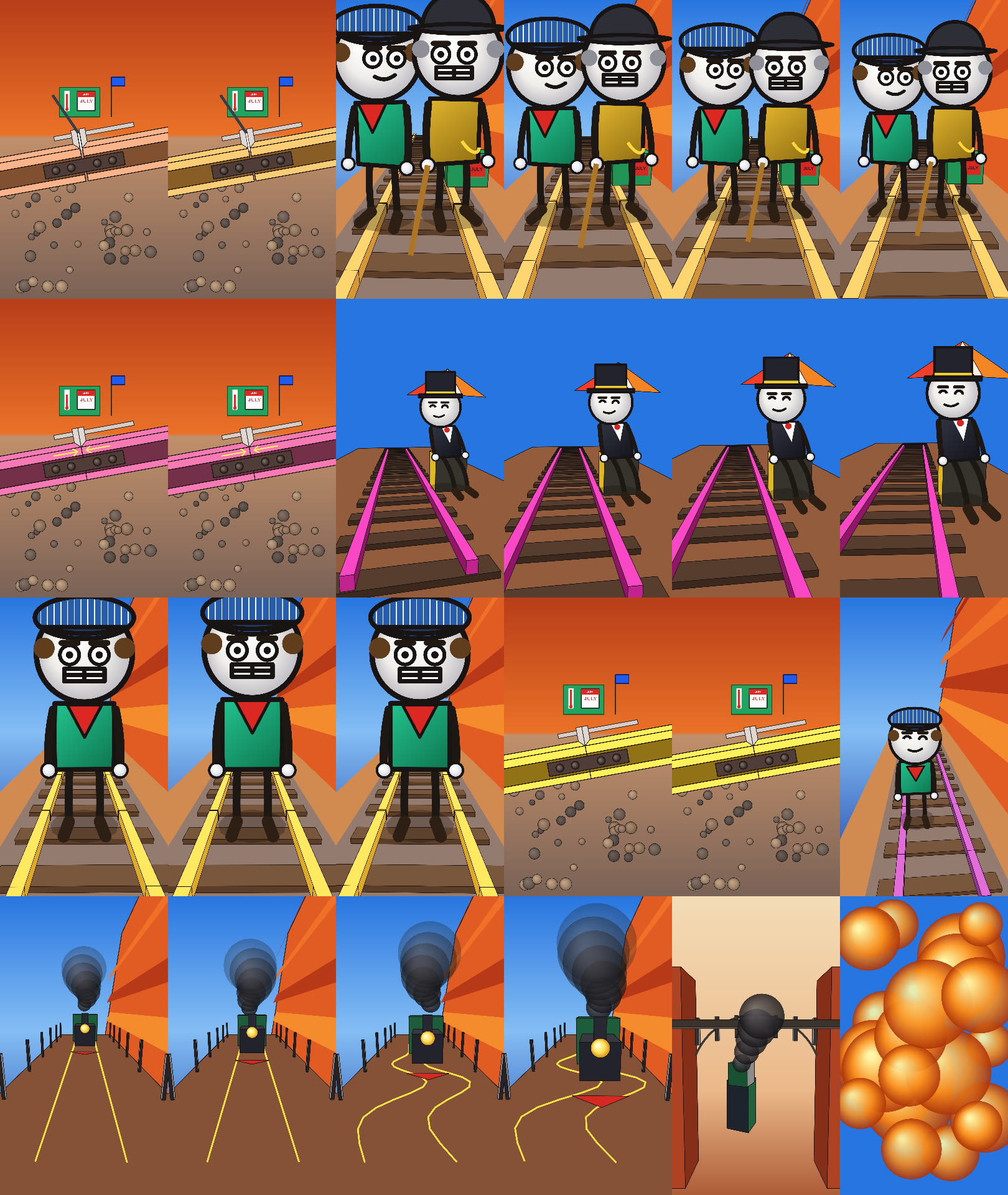
A. Train Video — 18-Joint 3D Rigged Recreation & Macro Thermal Physics (train_rigged_3d_sheet_01..03.jpg)


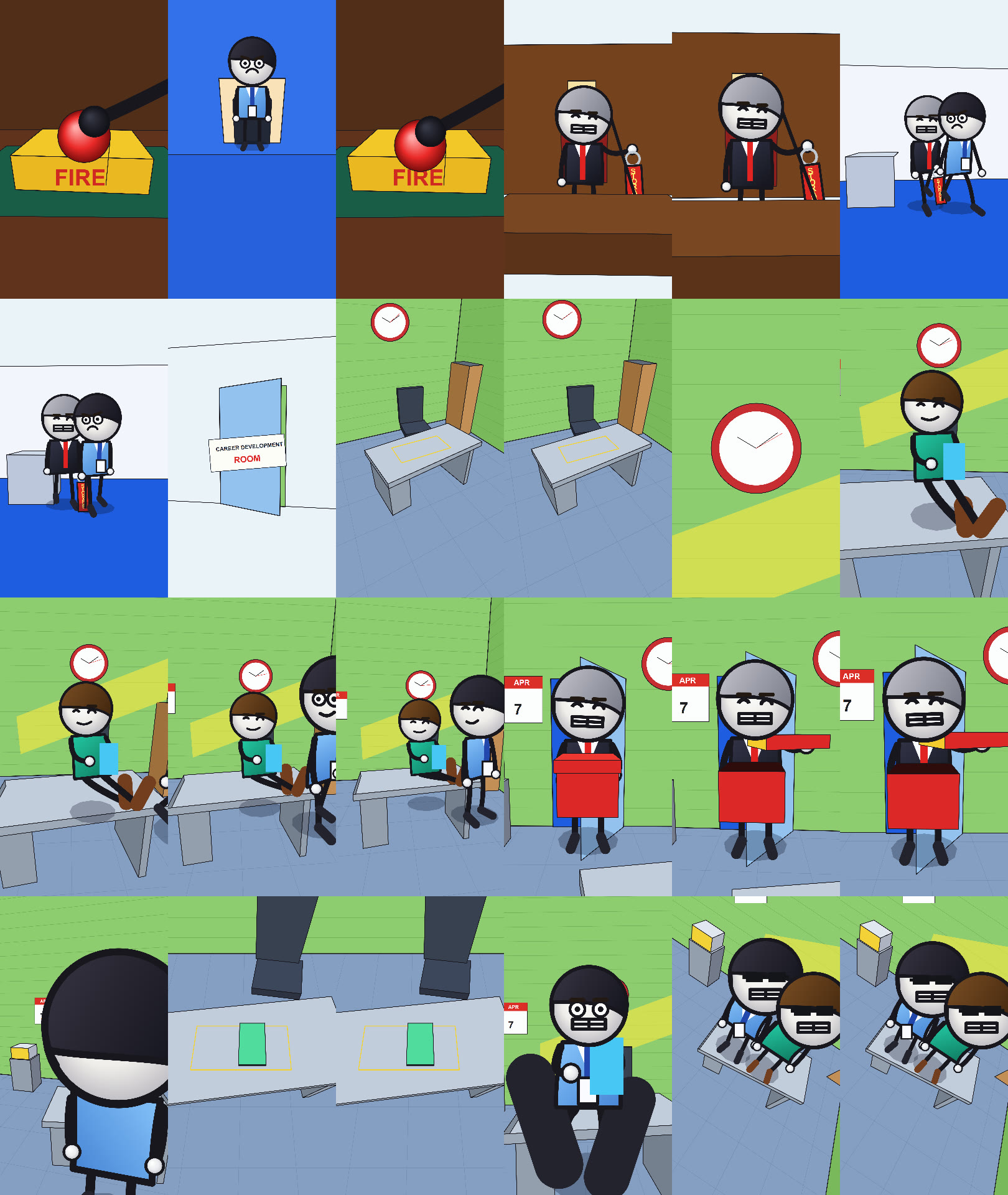
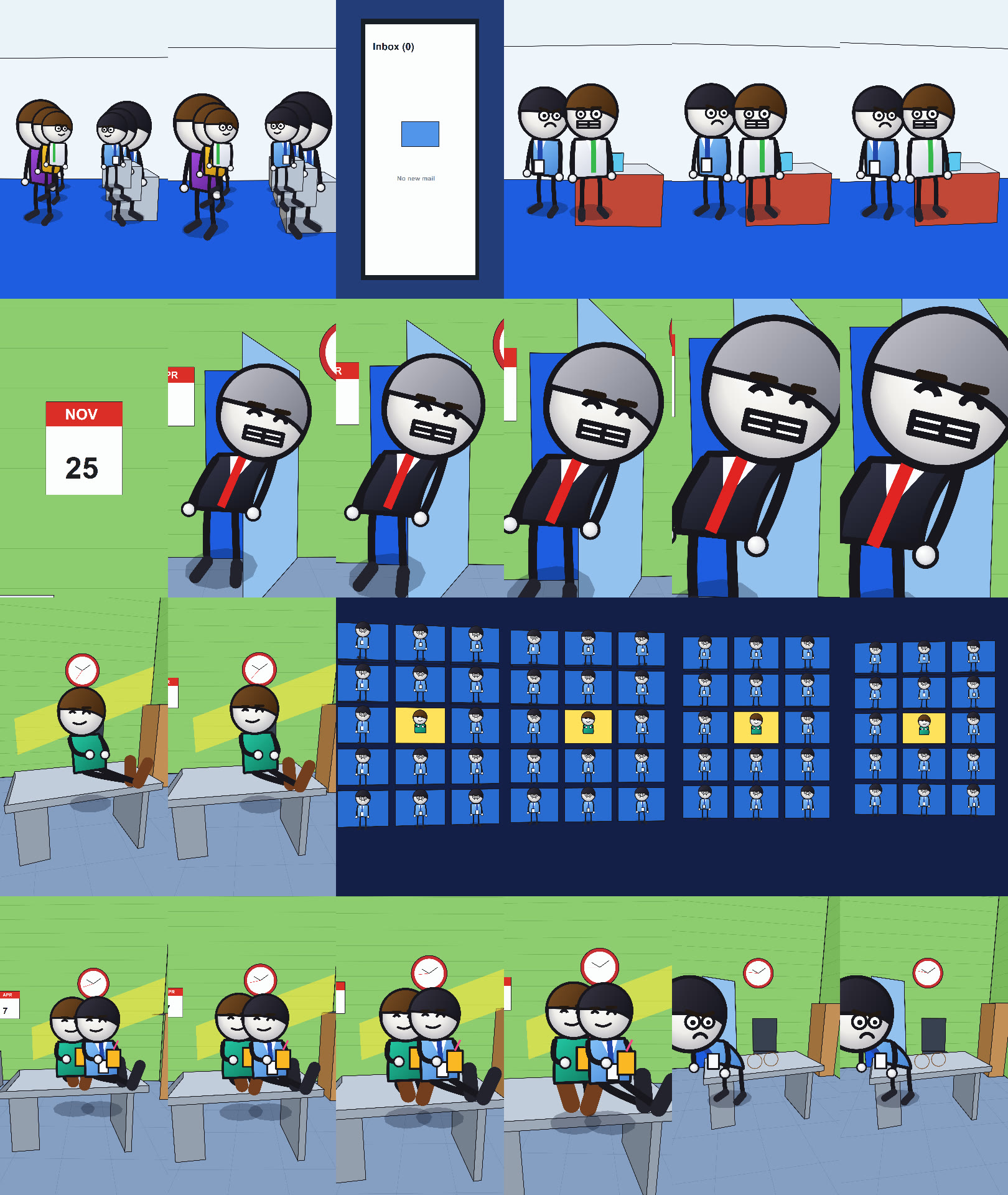
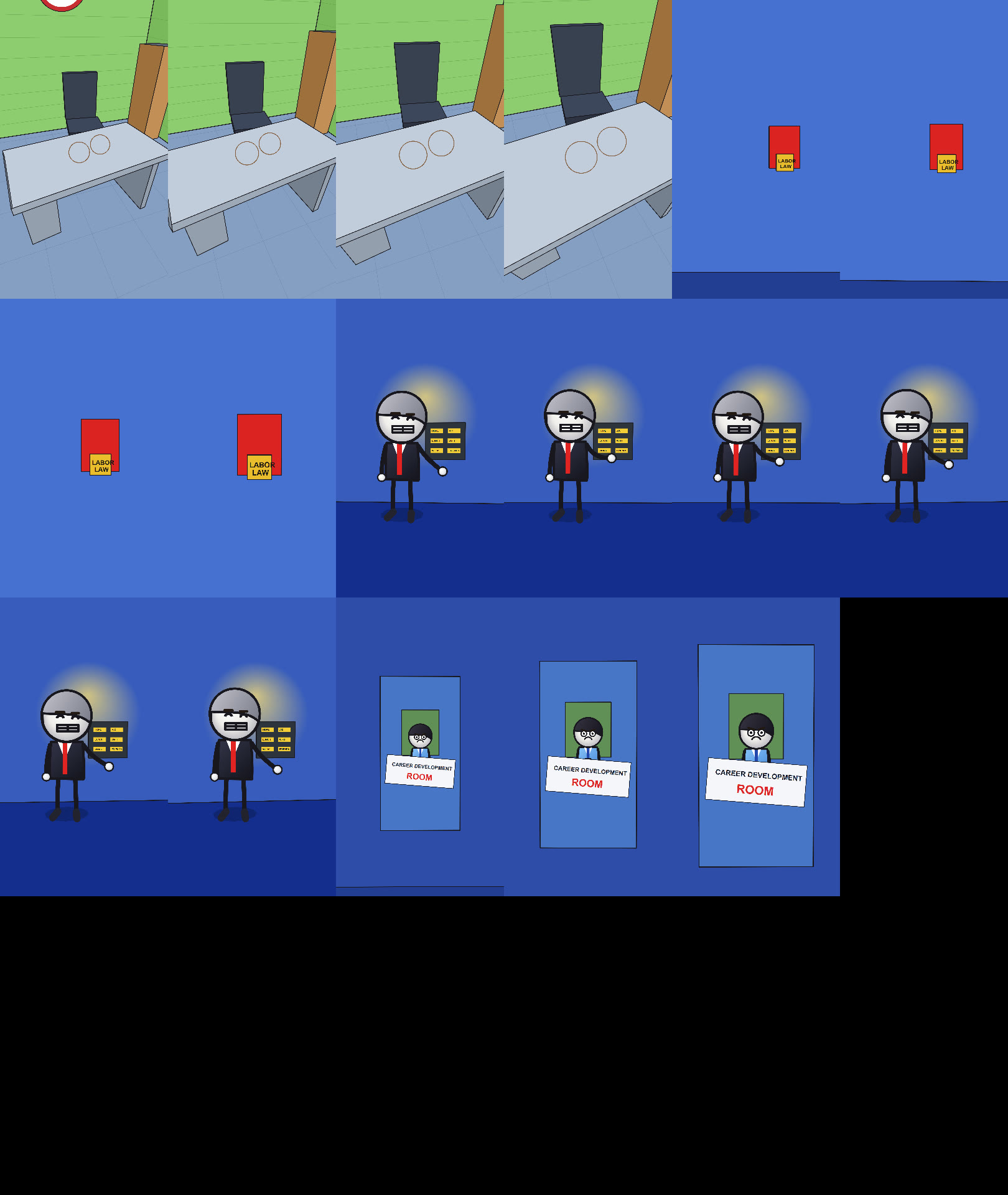
B. Job Culture of Japan — 18-Joint 3D Rigged Corporate Animation (japan_rigged_3d_sheet_01..03.jpg)


3. Locked 18-Joint 3D Skeletal Rigged Animation Architecture
All videos created with Render Rigged 3D must use a 100% from-scratch 3D procedural engine (PyCairo + NumPy + FFmpeg at 1080×1920, 30.00 fps) with zero 2D stick-figure shortcuts and zero polygon glitches:
A. Glitch-Free 3D Camera & Polygon Pipeline (Camera3D, clip_and_project_poly, draw_box_3d)
- True 3D Perspective Camera (
Camera3D):- Supports world-space
pos = (x, y, z),target = (tx, ty, tz),fov, Dutch-angleroll, organic handheld sway (math.sin(t * 2.5) * 4.0), fast dolly push-ins, whip pans, crane tilts, and high-frequency jolt shakes.
- Supports world-space
- Sutherland-Hodgman 3D Near-Plane Polygon Clipping (
NEAR_Z = 45.0):- Mandatory Anti-Glitch Rule: Never project 3D vertices that cross behind the camera by simply clamping
z_cam. Always clip every 3D polygon (clip_and_project_poly) against the camera near planez_cam >= 45.0before perspective division so long rails, floors, walls, and bridges never fold or warp across the screen.
- Mandatory Anti-Glitch Rule: Never project 3D vertices that cross behind the camera by simply clamping
- Deterministic 3D Outward-Normal Back-Face Culling:
- Mandatory Anti-Flicker Rule: In
draw_box_3d, never sort box faces by average vertex depth (which causes adjacent faces to swap depth order and flicker as the camera moves). Always use outward-normal back-face culling (np.dot(face_normal, cam.pos - face_center) > 0) and subdivide long geometry (such as railroad rails and ties) into back-to-front segments.
- Mandatory Anti-Flicker Rule: In
B. 18-Joint 3D Articulated Character Rig (draw_rigged_character_3d)
Every character is animated in 3D world space using an 18-joint skeletal hierarchy:
- Torso & Head Chain (5 joints):
pelvis->spine->chest->neck->head - Left & Right Arm Chains (8 joints):
clavicle_L/R->shoulder_L/R->elbow_L/R->wrist_L/R->hand_L/R - Left & Right Leg Chains (6 joints):
hip_L/R->knee_L/R->ankle_L/R->toe_L/R - Curved 3D Articulated Limbs (
draw_curved_limb_3d):- Smooth cubic-Bezier articulated limbs through
(shoulder, elbow, wrist)and(hip, knee, ankle)with shaded 3D spherical hands and 3D shoes.
- Smooth cubic-Bezier articulated limbs through
- 3D Spherical Head, Hats & Facial Rig:
- Radial-gradient 3D shaded sphere head with perspective-foreshortened eyes, pupils, eyebrows, and mouth expressions (
neutral,grin,angry,rage,panic,worried,squint,closed_smile) that rotate across the 3D sphere surface according to(head_yaw, head_pitch, head_roll). - Includes periodic eye blinking, chest breathing (
math.sin(t * 4.5)), sweat droplets, role-specific 3D hats/vests/suits (engineer,boss,tycoon,foreman,veteran,worker), and special visual states (e.g.,purple_angertransitioning the head to violet-purple with 3D white steam puffs erupting from both ears).
- Radial-gradient 3D shaded sphere head with perspective-foreshortened eyes, pupils, eyebrows, and mouth expressions (
- Unobstructed Front-Prop Layering Rule:
- Whenever a character holds a readable front prop (such as a newspaper, sign, or document), draw the 3D upper/lower arms first (so they tuck naturally behind the prop), draw the prop second in front of the chest, and draw the white 3D spherical hands third gripping the left and right outer edges so arm lines never cross over text or illustrations.
C. Crystal-Clear Visual Storytelling & Macro Physics Views
- Every concept described in the voiceover must be visually explained on screen through clear 3D staging, props, and dedicated macro shots:
- Macro 3D Cutaways & Gauges: When explaining measurements, physics, or mechanisms (e.g., thermal rail expansion), build a dedicated side-profile 3D macro view (
draw_macro_rail_joint_side_3d) featuring 3D I-beam profiles, bolted fishplates, a sliding metal Vernier caliper clamping the exact gap, a rising mercury thermometer, a flipping calendar (MAY->JUNE->JULY), physical comparison objects dropping into the gap (silver coin vs. thin sheet of paper), and force/stress arrows (==><==). - Multi-Sub-Shot Visual Pacing: Break longer narrative sentences into distinct visual sub-shots (e.g., Sub-shot A showing the macro mechanism -> Sub-shot B showing the characters reacting; or Sub-shot A showing the newspaper headline -> Sub-shot B showing passengers walking toward
'ALL ABOARD!') so the visual pacing stays hyper-active and engaging.
- Macro 3D Cutaways & Gauges: When explaining measurements, physics, or mechanisms (e.g., thermal rail expansion), build a dedicated side-profile 3D macro view (
3. Step-by-Step Execution Protocol
Whenever triggered on a new project folder:
Step 1: Complete Sequential Frame-by-Frame Inspection (Frame 0 to Frame N-1)
- Run
analyze_every_frame.pyon the reference.mp4video to inspect every single frame fromFrame 0toFrame N-1in chronological order without skipping frames. - Save the complete sequential per-frame report to
<Project Folder>\Frame_By_Frame_Complete_Analysis_<N>_Frames.md. - Extract
6×4contact sheet.jpggrids (1 frame per second) and a 48kbps.mp3audio preview intoscratch/, and inspect every contact sheet and audio file usingread_file(never callread_fileon a raw.mp4).
Step 2: Synthesize 100% From-Scratch Audio Stems Synced to the User's Voiceover
- Measure the exact duration (
VO_DURATION) of the user's voiceover file (Voiceover.mp3/Audio.mp3) and convert it to44.1 kHz16-bit stereoVoiceover.wavandVoiceover.mp3in<Project Folder>\. - Write and run
build_<project>_audio_stems.pyusingNumPy+SciPy(scipy.signal.butter) to synthesize:SFX.wav&SFX.mp3: 100% from-scratch physical-modeling foley synced to every visual action (e.g., hacksaw strokes, steam chugs, whistle Doppler, metallic clanks, coin/paper drops, thermal groans, crashes, explosions).Music.wav&Music.mp3: 100% from-scratch multi-act cinematic/atmospheric score matched to the emotional arc.Full_Mixed_Audio.wav&Full_Mixed_Audio.mp3: Master mix combiningVoiceover + SFX + Musicwith automatic envelope ducking so the voiceover remains crystal clear.
Step 3: Build & Preview-Verify the 18-Joint 3D Rigged Render Script
- Write
render_<project>_rigged_3d_from_scratch.pymapping every reference shot and visual explanation onto the exactVO_DURATION(TOTAL_FRAMES = int(math.ceil(VO_DURATION * 30))). - Mandatory Pre-Render Visual Check (
previewmode):- Run
python render_<project>_rigged_3d_from_scratch.py previewto generate 3 contact sheets (sheet_01.jpg,sheet_02.jpg,sheet_03.jpg, 72 tiles evenly spanning0.0s .. VO_DURATION). - Inspect all 3 contact sheets via
read_fileto verify:- Zero 3D polygon warping or box-face flickering
- Zero prop/limb overlaps (hands on outer edges of newspapers/signs, hats/umbrellas properly layered)
- Every story beat and physical mechanism is visually clear
- Zero voiceover captions
- Run
Step 4: Render Full 30-FPS 1080×1920 Video & Verify Deliverables
- Run
python render_<project>_rigged_3d_from_scratch.pyto render allTOTAL_FRAMESframes at1080×1920(30.00 fps) and mux withFull_Mixed_Audio.wav. - Verify that
<Project Folder>\contains all required deliverables:Final_Video_No_Captions.mp4(Full Mixed Audio, Zero Captions)Pure_3D_Procedural_From_Scratch_No_Captions.mp4(Pure 3D Rigged Render Copy)Video_Only_No_Captions_Muted.mp4(Clean Muted Video Master)Frame_By_Frame_Complete_Analysis_<N>_Frames.mdVoiceover.wav&Voiceover.mp3SFX.wav&SFX.mp3Music.wav&Music.mp3Full_Mixed_Audio.wav&Full_Mixed_Audio.mp3scripts/containing the complete Python generator scripts.